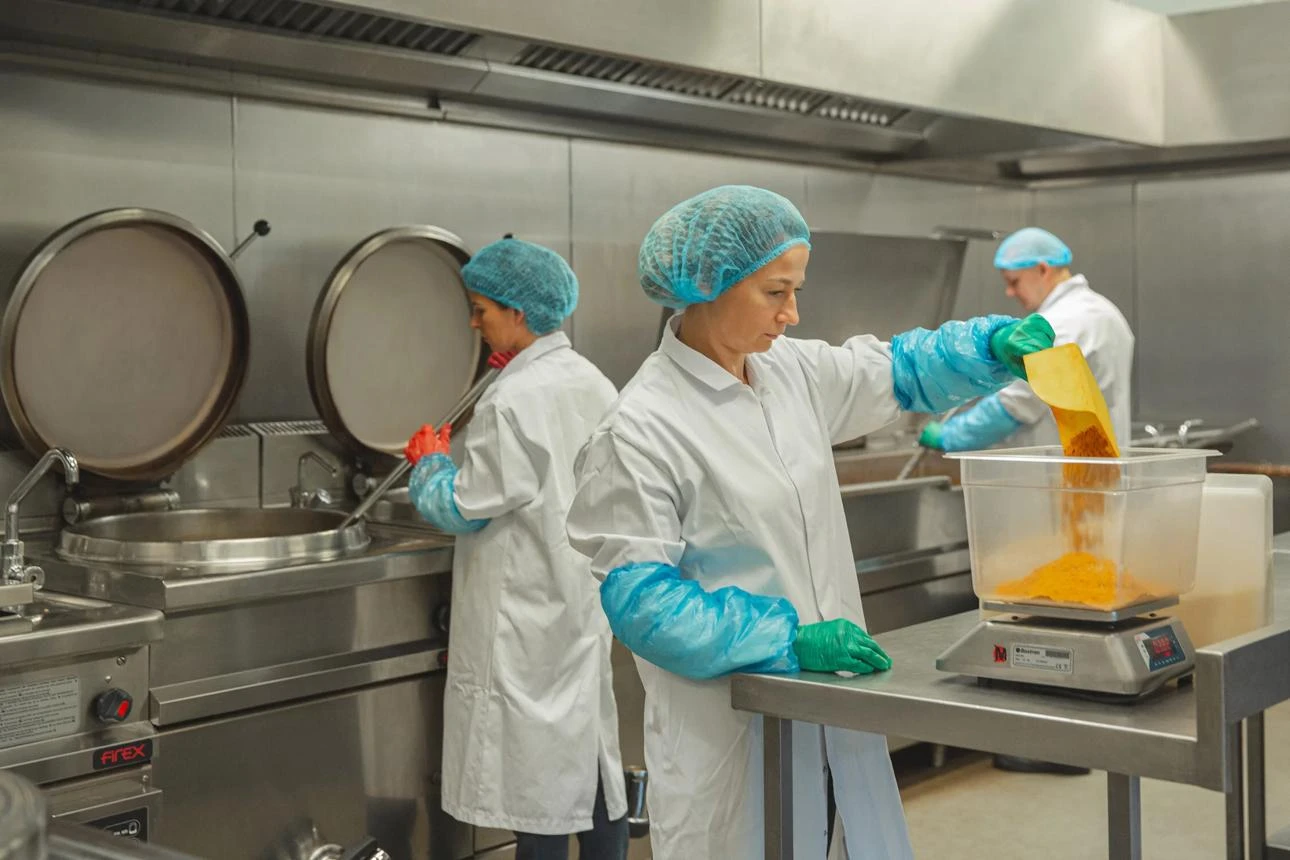
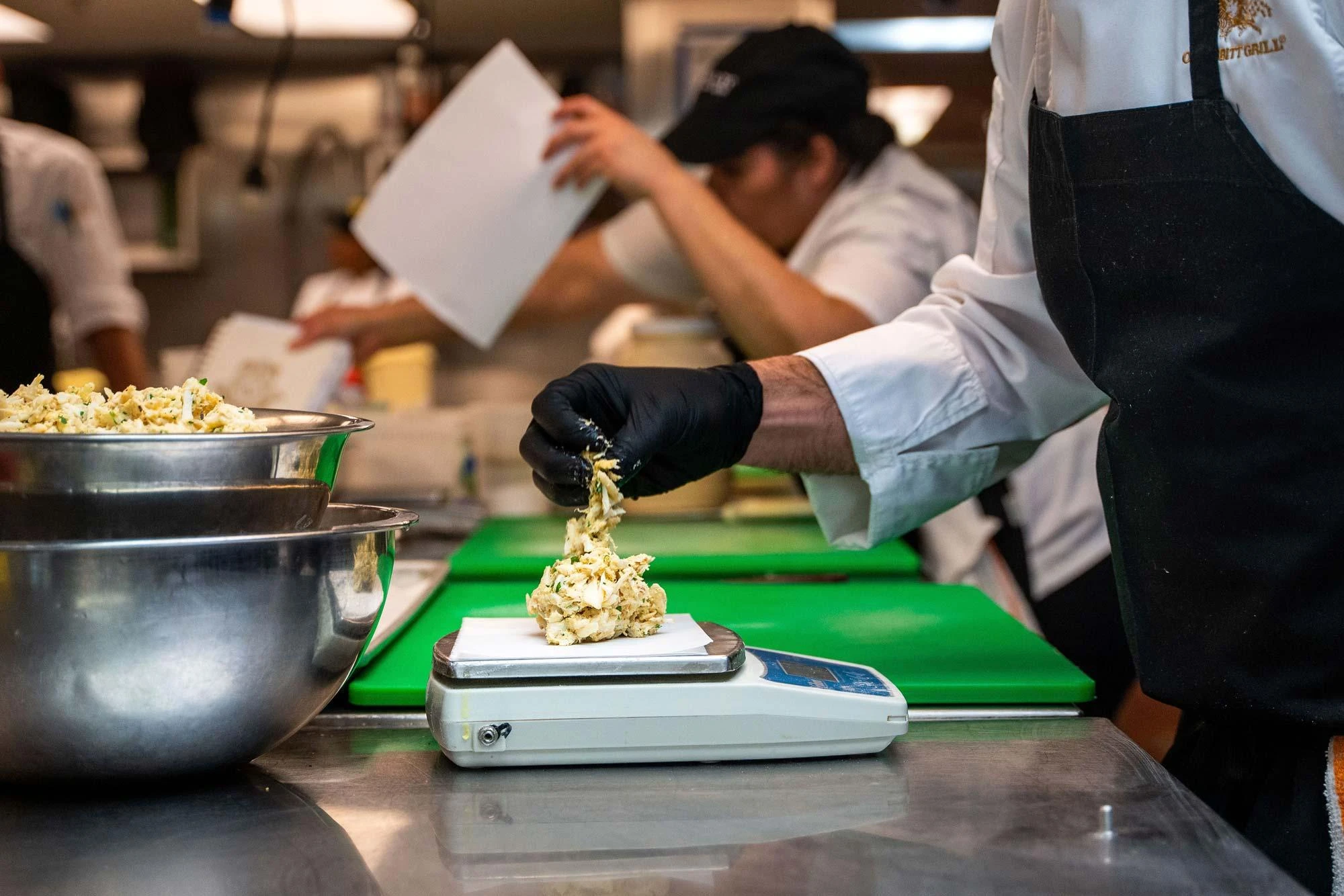
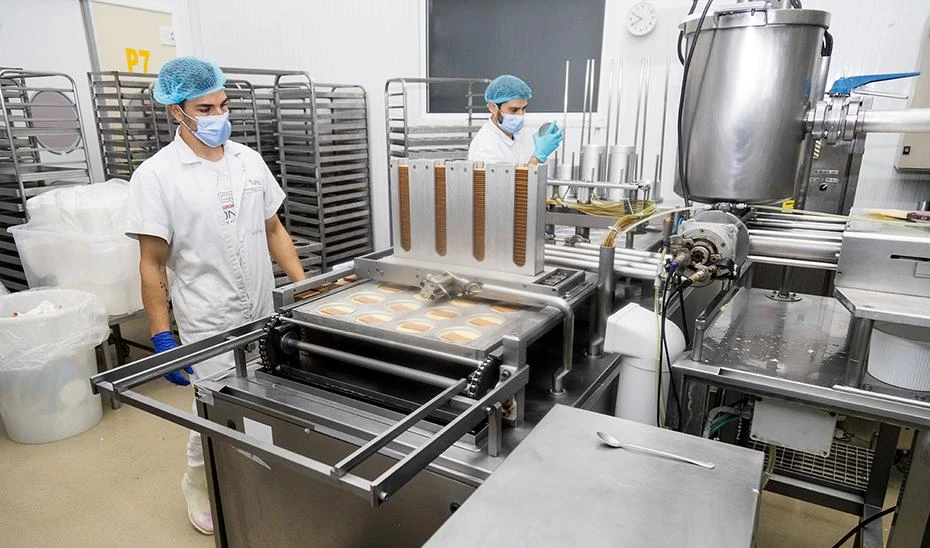
From raw ingredients to printed nutrition labels — gram-level accuracy, FDA / EU / GCC compliance, full recipe costing, and allergen management. All offline, all on your device.
From single restaurant kitchens to large central production facilities — NutriQuant Pro adapts to your scale and regulatory environment.


No integrations, no subscriptions to stack. NutriQuant Pro replaces a collection of separate tools with one offline application.
Gram-accurate energy, protein, fat, saturated fat, carbohydrate, sugars, fibre, sodium and salt across any recipe or dish — the values every FDA, EU and GCC label requires.
Two-tier system — production recipes feed into final dishes, with batch sizing and yield tracking.
20,542 ingredients from 6 global databases (USDA, CNF, CoFID, CIQUAL, AFCD) — all offline.
Per-portion cost, food cost %, VAT, labor, overhead, commission, and target margin — all in one breakdown.
Printable FDA (US), EU, and bilingual GCC labels generated from your recipes. Sticker-ready PDF output.
14-allergen matrix across all dishes, ingredient-level source tracing, and verified declaration workflow.
Health claims validation, nutrition scoring, regulatory profile checks, and ingredient statement generation.
Compare nutrition across your full menu, identify dietary gaps, and prepare summary reports for clients.
Batch production recipes, supplier management, inventory tracking, and ingredient price history.
Exportable nutrition summaries, costing breakdowns, meal plan PDFs, and data quality dashboards.
Navigated directly from the live app. Click any module below to see exactly what you get, step by step.
Tap "New Dish", name it, and set your serving size and number of servings.
Search any ingredient by name across 20,542 foods from 6 global databases — all available offline.
Type the exact grams for each ingredient. Production recipes link automatically as sub-components.
Calories, protein, carbs, fat, and 40+ micronutrients update live as you add each ingredient.
| Ingredient | Source | g | kcal | Pro | Carb | Fat |
|---|---|---|---|---|---|---|
| Chicken breast, grilled | USDA | 150 | 165 | 31g | 0g | 3.6g |
| Basmati rice, cooked | USDA | 120 | 156 | 3.5g | 34g | 0.4g |
| Olive oil, extra virgin | CoFID | 8 | 71 | 0g | 0g | 8g |
| Cherry tomatoes | USDA | 60 | 18 | 0.9g | 3.5g | 0.2g |
Build base preparations — sauces, stocks, dressings, marinades — that get reused across multiple dishes.
Assemble final dishes from production recipes and direct ingredients. Nutrition flows through automatically.
Scale any production recipe to your batch quantity. Ingredient quantities recalculate instantly.
Enter cooked/prepared weight to calculate actual yield. Nutrition and cost adjust to real-world output.
| Recipe name | Batch | Yield | Used in | |
|---|---|---|---|---|
| Bechamel Sauce | 2 kg | 82% | 3 dishes | |
| Tomato Base | 5 kg | 91% | 7 dishes | |
| Caesar Dressing | 500 g | 100% | 2 dishes | |
| Hummus Base | 3 kg | 88% | 4 dishes |
Meat & poultry, fish & seafood, dairy & eggs, grains, flour & baking, legumes, vegetables, fruits, nuts & seeds, oils, sweeteners, condiments, spices, beverages, and packaging — all 20,542 foods available offline.
Type any ingredient or common alias. Switch between USDA (US), UK CoFID, Canadian CNF, French CIQUAL, Hong Kong AFCD, or your own custom entries. Results appear instantly — no internet required.
All macros, micros, minerals, vitamins, fatty acids, and amino acids — exactly as published in each national database. No guesswork, no fabricated values.
Click "+ Add ingredient" to create entries with your own nutrition values. Or turn on USDA online search for access to 400,000+ additional foods via the API.
| Chicken breast, cooked, roasted | USDA · NDB 05013 | |
| Chicken breast, raw | USDA · NDB 05006 | |
| Chicken breast, grilled, skin removed | CoFID |
Enter your labor %, overhead %, packaging cost, VAT rate, and delivery/commission rates — saved per dish.
Log your supplier price per kg for each ingredient. Prices persist across all recipes that use the same ingredient.
Type the price you charge customers, or set a target food cost % and let the app suggest the selling price.
See per-portion cost, food cost %, gross margin, and whether you're hitting your target — all live.
Any saved dish or production recipe can generate a label. Nutrition is pulled directly from your recipe data.
Select FDA (US), EU, GCC Arabic, GCC bilingual, or simplified summary. The layout adapts automatically.
Enter serving size in grams and number of servings per container. All percentages recalculate instantly.
Labels are sticker-ready. Print directly from the browser or save to PDF for your packaging supplier.
Every ingredient in the database carries allergen flags. As soon as you add an ingredient to a dish, its allergens are flagged automatically.
Click any flag to see exactly which ingredient triggers it — even when it's inside a production recipe linked to the dish.
Confirm each allergen is correctly declared, or mark a dish as "free from" with a note. Unverified items are highlighted.
View all dishes vs all 14 allergens in one grid. Export to PDF for kitchen display, audits, or regulatory submissions.
| Dish | Gluten | Dairy | Eggs | Fish | Shellfish | Peanuts | Tree Nuts | Soy | Sesame |
|---|---|---|---|---|---|---|---|---|---|
| Chicken wrap | ● | ○ | ● | ○ | ○ | ○ | ○ | ◐ | ○ |
| Caesar salad | ● | ● | ● | ● | ○ | ○ | ○ | ○ | ○ |
| Lentil soup | ○ | ○ | ○ | ○ | ○ | ○ | ◐ | ○ | ○ |
| Hummus plate | ○ | ○ | ○ | ○ | ○ | ○ | ○ | ○ | ● |
Any saved dish becomes a product profile. Select it and choose the target market — US, EU, or GCC.
The app checks "High protein", "Low fat", "Source of fibre", "Low sodium" and 20+ more against FDA 21 CFR and EU 1924/2006 thresholds.
See which regulatory markets your product can enter and what labelling changes are required for each.
Ingredients ordered by weight with sub-components expanded — formatted and ready to paste onto packaging.
Click "+ New meal plan", name it (e.g. "Week 1 — Weight Loss Client"), and set daily nutrition targets: kcal, protein, carbs, fat goals.
Add Breakfast, Lunch, Dinner, and Snacks from your saved Final Dishes, production recipes, or the full ingredient database. Each item is searched and added with a gram weight.
Running nutrition totals update live for each day. Over/under flags highlight any gap against your set protein, carb, fat or calorie targets so you can adjust in real time.
Generate a formatted daily meal plan — including a compiled shopping list for all ingredients — ready to hand to a client or your kitchen team.
| Meal | Item | g | kcal | Pro |
|---|---|---|---|---|
| Breakfast | Greek yoghurt + oats | 320 | 420 | 28g |
| Lunch | Chicken Rice Bowl | 338 | 412 | 35g |
| Snack | Protein Oat Bar | 80 | 310 | 22g |
| Dinner | Grilled salmon + veg | 400 | 490 | 42g |
| Day total | 1,632 | 127g ↓23 | ||
Enter your batch size in kg and the recipe scales automatically. Ingredient weights update instantly for the full batch.
Log supplier names, lead times, and current per-kg prices. Prices are used across all recipes for automatic cost updates.
See how supplier prices have changed over time. Identify cost creep and renegotiate with real data.
Print a formatted sheet with scaled ingredient weights and instructions, ready for your production team.
| Ingredient | Supplier | Qty (kg) | Price/kg | Line cost |
|---|---|---|---|---|
| Chickpeas, dry | Al Rawabi | 17.0 | AED 4.20 | AED 71.40 |
| Tahini paste | Cortas | 8.5 | AED 12.50 | AED 106.25 |
| Lemon juice, fresh | Local | 5.0 | AED 6.00 | AED 30.00 |
| Garlic, raw | Local | 0.8 | AED 8.00 | AED 6.40 |
| Olive oil | Borges | 2.5 | AED 22.00 | AED 55.00 |
Choose from: Cost & Margin report, Missing prices report, Allergen overview, Label readiness check, or Data quality score.
A completeness percentage across all your dishes: missing ingredient prices, unverified allergens, dishes without an ingredient statement, and items with incomplete nutrition data.
Every price change for every ingredient is logged. See which dishes are impacted by a cost increase and by how much, so you can reprice with real data.
All reports export as CSV for Excel/Google Sheets or as a formatted print summary. Offline — no cloud needed, no data leaves your device.
| Issue | Count | Action |
|---|---|---|
| Missing ingredient price | 6 | |
| Allergen unverified | 3 | |
| No ingredient statement | 5 | |
| Label not generated | 2 |
Click "Download CSV template" to get a pre-formatted spreadsheet with columns: ingredient name, category, quantity, unit (kg/g/L), cost per kg, supplier, origin (fresh/frozen), and texture. Fill it in your kitchen management tool or Excel.
Click "Upload CSV" and the app instantly links each row to its nutrition data from the built-in database — matching by ingredient name. All 20,542 ingredients are recognised automatically.
Browse by any of the 16 food categories. Add single items with "+ Add item". Each ingredient is linked to its full nutrition profile, origin, fresh/frozen state, and texture from your upload.
Click "Export inventory" to download your current stock list as CSV — with any updates you've made in the app. Use it for ordering, audits, or to share with your supplier.
| Ingredient | Origin | Qty | Unit | Cost / kg | Supplier |
|---|---|---|---|---|---|
| Chicken breast, skinless | Fresh | 15.0 | kg | AED 28.50 | Al Maya |
| Beef mince 80/20 | Frozen | 8.0 | kg | AED 42.00 | National Foods |
| Salmon fillet | Fresh | 6.5 | kg | AED 68.00 | Emirates Seafood |
| Chicken thigh, bone-in | Fresh | 12.0 | kg | AED 22.00 | Al Maya |
Everything — recipes, costs, allergen data, labels — is stored exclusively on your device. No account, no server, no breach risk.
In a basement kitchen, on a flight, at a remote catering site — the full app and all 20,542 ingredients are available without a network.
Export a full encrypted backup to any storage you choose — local drive, email, USB. Restore or merge it on any other device.
NutriQuant Pro installs on your device as a Progressive Web App. Once installed, it never needs a connection — not for calculations, labels, or the food database.
NutriQuant Pro runs entirely in your browser — no installation, no drivers, no IT department. The table below is a guide for professional kitchens and factories that store thousands of recipe photos.
| Component | Minimum | Recommended for large kitchens & factories |
|---|---|---|
| 💾 Storage (Disk) |
128 GB ~10–20 GB free for photos |
256 GB or more Recommended Gives roughly 100 GB free space → ~50 GB available for recipe and dish photos |
| 🧠 RAM |
4 GB Works fine for most users |
Not a factor No requirement The app runs inside a browser tab — RAM does not affect performance or storage capacity |
| 💻 Operating System |
Any modern OS Windows, Mac, Linux, Chrome |
Windows 10 / 11 · macOS 10.15+ · ChromeOS All supported Any modern laptop or desktop — no special hardware or IT setup required |
| 🌐 Browser |
Chrome or Edge Recommended for PWA install |
Chrome · Edge · Safari · Firefox (latest) All supported Install as a PWA (Add to Home Screen) for the full offline experience and maximum storage quota |
| 📡 Internet |
Required for first load One-time download |
Optional after install 100% offline Once installed, the full app — including 20,542 ingredients — runs without any internet connection |
💡 How on-device storage works: your browser automatically allocates roughly 50% of available free disk space to this app's offline storage (IndexedDB). A 256 GB laptop with ~100 GB free provides approximately 50 GB for recipe photos — enough for tens of thousands of high-resolution dish images. The storage indicator in the app's Settings page shows your exact usage at any time.
7-day free trial on any plan — no card required, no key needed. Runs fully offline from day one.
All plans include the 7-day free trial. No credit card needed to start. Keys delivered by email after payment.
Already a customer? Log in with your license key →
≈ Indicative prices only. All payments are processed in USD at checkout.
Start your 7-day free trial today. Full access, no card, no commitment.
How nutrition values are calculated. NutriQuant Pro computes nutrition from the ingredient quantities you enter, using published food-composition data from official government sources — USDA FoodData Central (US), CoFID (UK), the Canadian Nutrient File, ANSES Ciqual (France) and the Australian Food Composition Database — together with any values you enter yourself. The arithmetic (per-100 g, per-serving, yields, cooking losses, %DV, rounding rules) is exact and tested. The reference values themselves are averages for each food; the actual composition of a specific ingredient, batch or brand naturally varies. Results are therefore calculated estimates, of the kind regulators expressly accept for database-derived labelling, and are provided for information and labelling support — not as laboratory analysis or medical, dietary or legal advice.
Your responsibility for labels and claims. You are responsible for verifying that any nutrition label, ingredient statement, allergen declaration or nutrition/health claim you publish complies with the regulations that apply where your product is sold. Where a jurisdiction requires laboratory analysis or specific tolerances for a product category, that requirement is yours to meet; NutriQuant Pro's regulatory profiles are formatting and completeness aids, not certification. Recipe-library nutrition figures are chef estimates intended for meal planning.
Your data stays on your device. NutriQuant Pro has no accounts and no cloud storage: everything you create is stored only in the browser on the device you use, and works fully offline. That also means you own your backups — clearing site data, uninstalling, or losing the device removes the data from it. Download a backup regularly (Backup & settings → Download backup); a backup file restores everything on any device.
Licence. Access is granted per licence key for the plan and period purchased, for use by the purchaser and their team. Keys are verified on-device and must not be shared or resold. The 7-day free trial is one per user. The software is provided "as is"; to the maximum extent permitted by law, liability is limited to the licence fee paid.
Intellectual property. NutriQuant Pro is proprietary software, © 2026 Ali Akroun, all rights reserved. A licence grants the right to use the software; it transfers no ownership. You may not copy, reproduce, republish, mirror, decompile, reverse-engineer, or create derivative or competing works from the software, its user interface, its calculation, costing and optimization engines, or its compiled recipe and ingredient databases — nor extract those databases by automated means. The underlying government food-composition data is used under the open licences credited below and remains freely available at source; the compilation, curation, normalisation and the 1,020-recipe library are original works and are not. Your own recipes, dishes and business data are yours entirely: they never leave your device, and we claim no rights in them.
Data sources & credits. USDA FoodData Central (public domain); CoFID © Crown copyright, Open Government Licence v3.0; Canadian Nutrient File © Health Canada, Open Government Licence – Canada; ANSES Ciqual, Licence Ouverte/Etalab 2.0; FSANZ AFCD, CC BY 3.0 AU. Recipe photographs: Pexels licence. Full credits are listed inside the app under Backup & settings → Data sources & credits.
Write and you'll get a real answer from the person who built it.